

For older generations, the first computers that came out served specialized purposes and niche needs. It was no wonder they didn’t bother to learn about them until they became more powerful and more useful. Now computer are almost a necessity.
For this reason, more often than not, older people (such as your parents) will probably just call someone (like you) to fix it instead of learning the process themselves. Everyone also has that one or two friends that have no idea how to use technology. Either way, this post is to help you help them catch their own fish.
Google …


 Sure your state-of-the-art computer looks shiny and fast when you first purchase it, but as always, it seems to get slower over time. You install anti-virus software and dozens of applications, download thousands of MP3 music files, and before you know it, your PC seems to respond extremely slow to every action you try to perform.
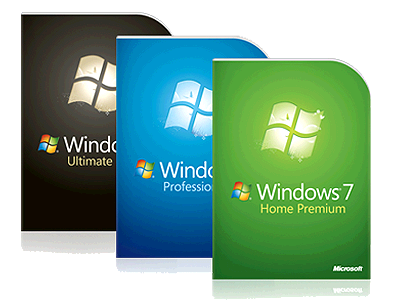 Though it is hardly a “Brand New” operating system, having been released in October 2009, many PC users still have not made the upgrade to Windows 7, for various reasons.
