

 We are all familiar with the delete function on Windows computers. It’s that indispensable feature that allows you to remove unneeded or unnecessary files stored on your hard drive. But did you know that you are not really removing a file from your hard drive by simply using this delete feature alone.
Find out why this is and how you can take the proper steps to ensure that a file is completely gone from your hard drive to free up valuable space.…
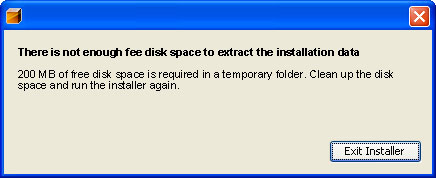 Depending on the size of the hard drive in your computer, you may see the “Not Enough Free Disk Space” pop-up box too often; especially if you install new program and/or download files from the internet often.
 As we’re sure you know, computer viruses are dangerous and they can wreak havoc on your PC. They can make all of the files and data on your computer vulnerable to being stolen by ill-intentioned hackers. This includes your account passwords, credit card data, and potentially much more private information.

 But what does this mean, and how can you fix the problem?
 Whether you’re going to a new job and returning a machine, selling your old computer, or donating it, you need to be very cautious of what information is left on the device.
